Runs
Latta offers a node based builder for testing your web apps and REST APIs.
Test runs
After you execute a test collection a new entry in the Test runs tab or the Test runs page is going to appear. Going to the detail of a test run you can see the status in real time.
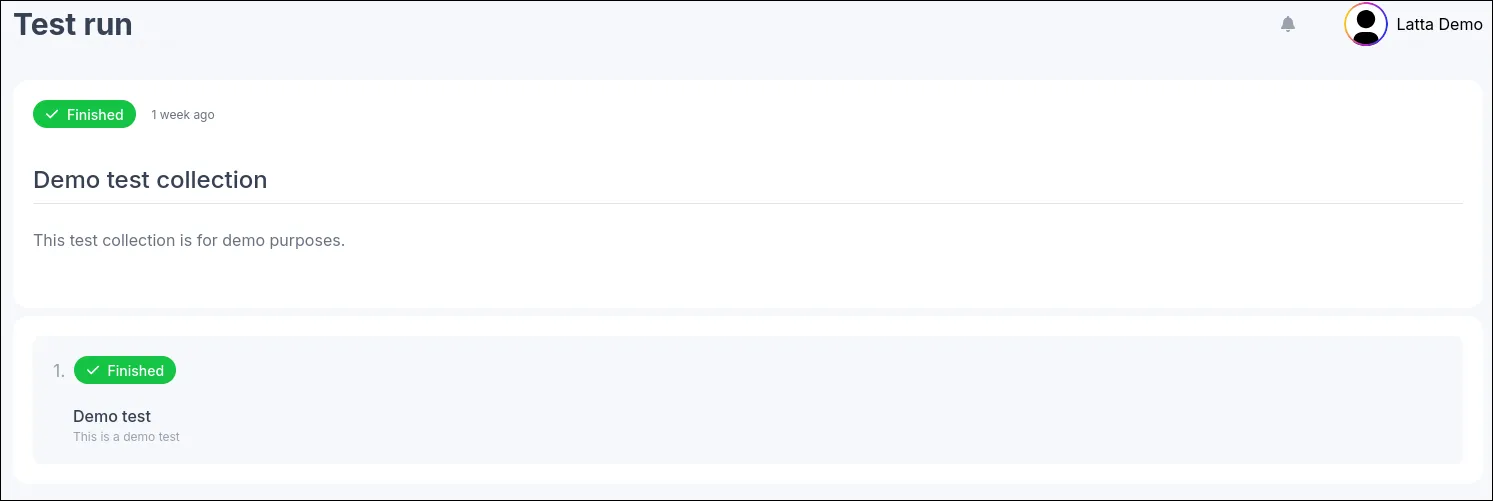
Both the tests and test runs have their own states, they are represented by the colored badges.
The lifecycle of a run starts with the Queued status, this means the run has yet to be started.
The Running status means that the test runner has started the work and either is already executing a test or soon to be.
The Finished status means that all of the tests have passed successfully and no more work is going to be performed.
In certain cases you might want to cancel a run, this is going to be represented by the Cancelled status badge, in rare cases Latta
might also cancel a test run, in this case an error message is going to be showed.
The last status is Failed and this means that some of your tests have not passed, an error message is going to be present, these messages
can be either created by Latta or if you use the *Fail test node you can provide your own error message.
In the next you are going to learn more in depth about how to trigger test runs.