Recording
Latta allows you to record bugs in your apps and later on you can review the recordings inside a Latta player.
Two types of recordings are available, client side and server side.
Client side recordings show a visual recording of what the user was doing, where they were clicking, navigating or what they were typing.
Server side recordings contain the state of the application, logs, memory usage and other useful data which might later help you with debugging.
The data recorded using Latta recorders are also used in AI solves.
Server side recording
Once implemented into your server code Latta is going to immediately start collection data when bugs happen.
Client side recording
Users of your application will notice a small button in the bottom right corner, when clicking this button a form pops up letting them report any bugs, or even just to give feedback.
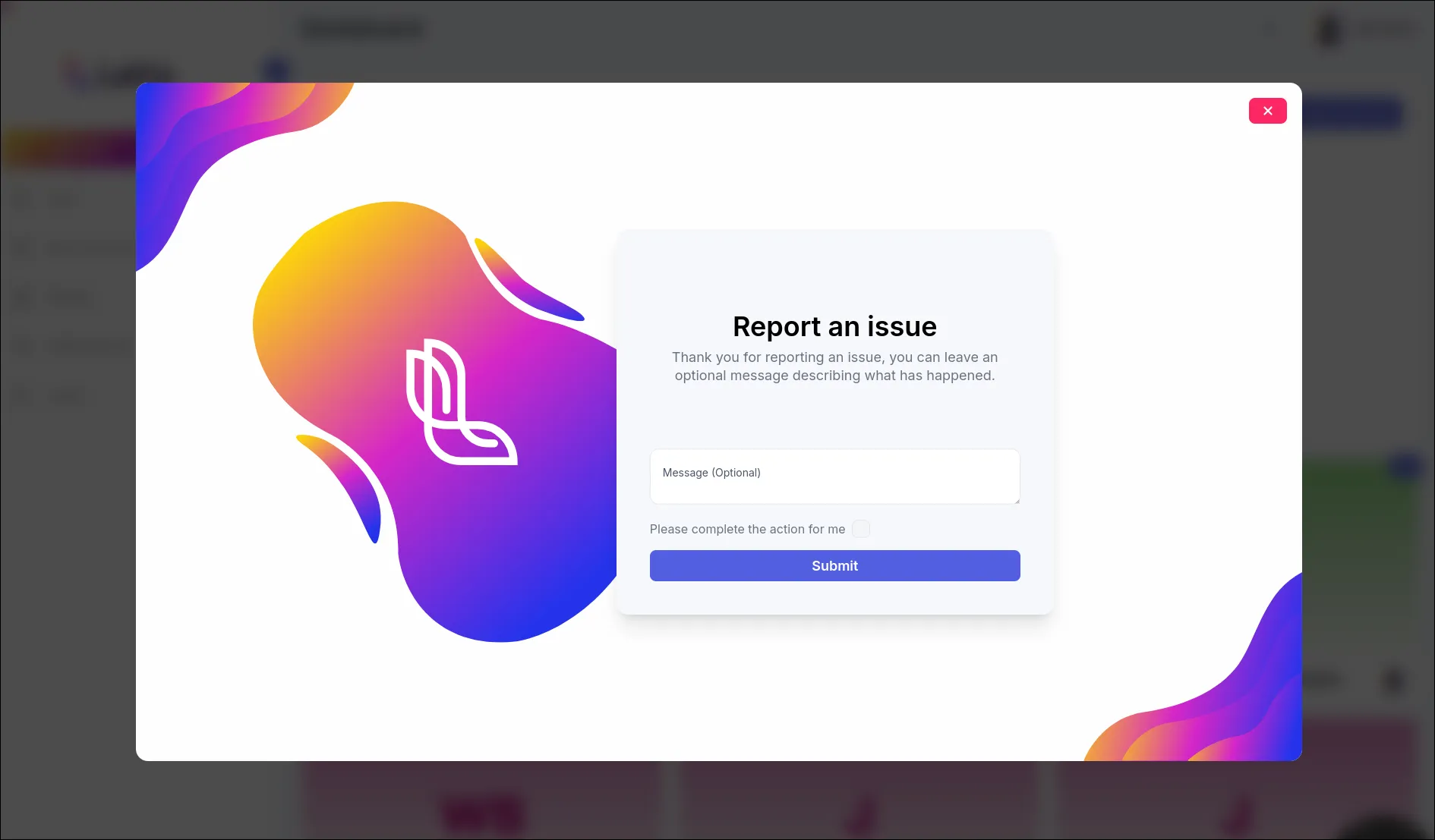
After they submit a report you will be able to review what happened and further work with the recordings, for example creating a task.
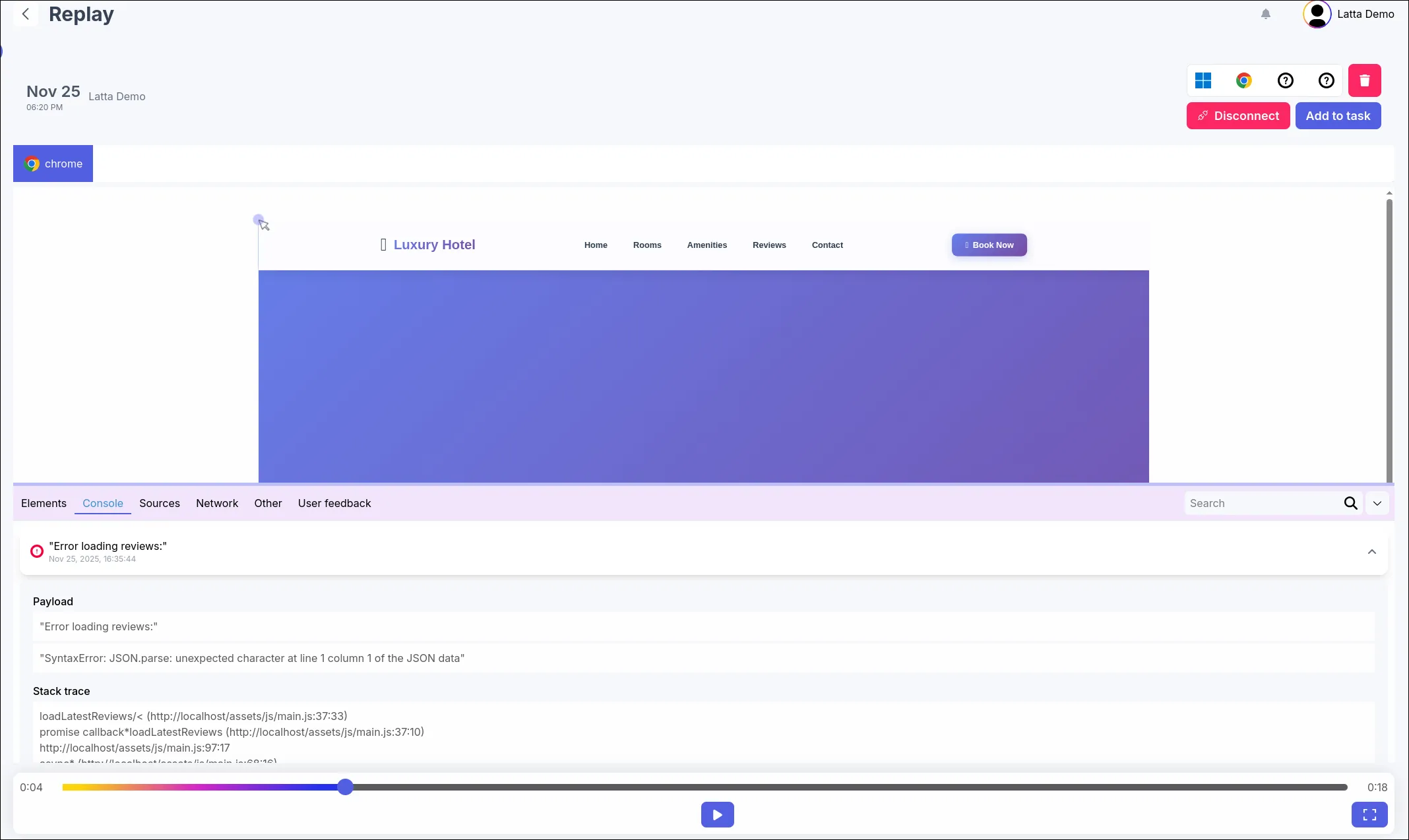
You will be able to fully replay the state of the application, in the case of server side errors the player is going to look slightly different offering different kinds of editors. Any related recordings are going to be show in the tob bar and you will be able to switch between them.
You might notice “embedded website” inside the player, this is embed is an actual real rendering of what the website looked for the user and it is also using the same, or very close version of the browser the user was using. This feature is great for diagnosing CSS issues caused by users using outdated browsers without the need to install the browser on your local machine.